
ChatGPT GIF
Describe a scene or add a photo and say how it moves. This ChatGPT GIF maker usually takes 20 to 30 seconds. one free GIF, no sign-up.
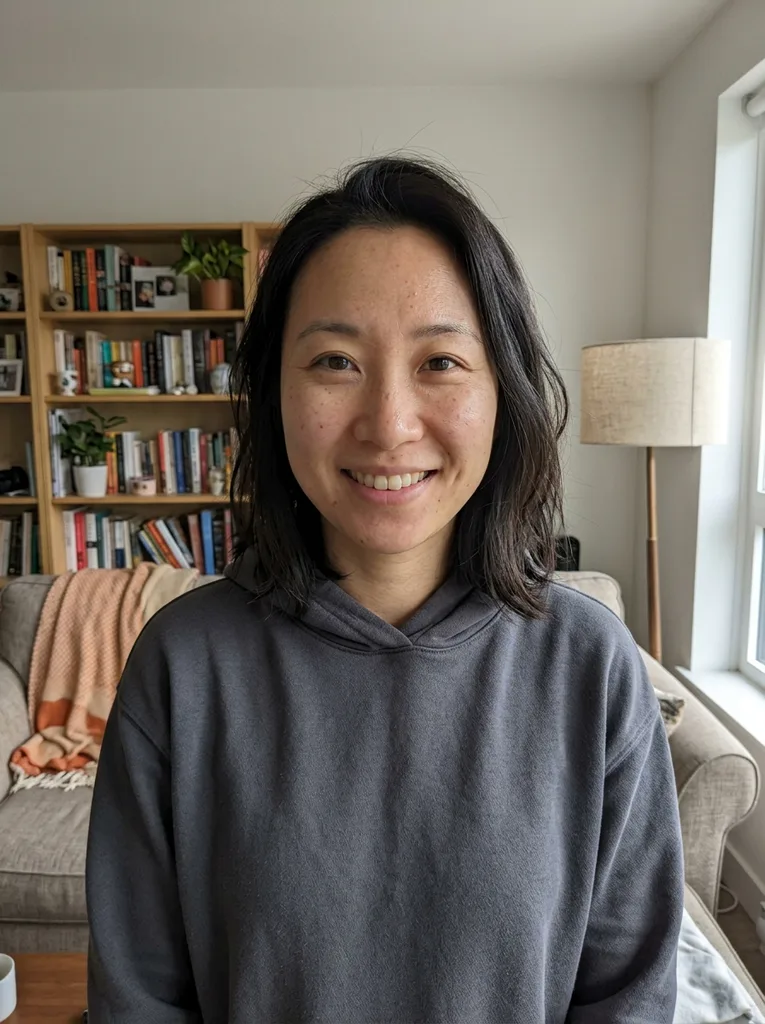 Before
 After
Example result. Describe your image to make yours.
Examples
BeforeAfterWhat is a ChatGPT GIF generator?
A GIF made for your prompt or photo, not picked from a library.
This page makes a ChatGPT GIF without a chat: you type what you want to see, or add one photo and say how it should move, and the tool returns an animated GIF that loops forever.
The ChatGPT GIF runs on GPT Image 2.6. This site is an independent third party, not operated by or affiliated with OpenAI.
Each run gives one GIF of nine frames at 200 ms each, with a Download button that saves a real .gif file. There is no GIF library to browse: every GIF is generated for you.
Made for
- Reaction GIFs for chats
- Social media posts
- Marketing visuals
- Stickers and emotes
- Animated photos
How to create a GIF with AI in three steps
Prompt or photo in, looping GIF out.
- 1
Describe your ChatGPT GIF
Type what you want, up to 1000 characters, or click an idea chip such as a cat waving hello or fireworks over a city. To animate a photo, add one JPG, PNG or WebP up to 10 MB and describe the motion, like wave hello, wink or nod.
- 2
Pick a shape
Choose square 1:1, wide 16:9 or tall 9:16. In our test runs, square GIFs came out at 512 x 512 and wide 16:9 ones at 1024 x 576.
- 3
Generate and download the GIF
Press Generate. A run usually takes 20 to 30 seconds, then the GIF plays in the page and loops forever. Press Download to save the .gif. Your one free GIF covers one run, so read the prompt twice first.
ChatGPT GIF maker or GIF library?
Generate a GIF from your idea or find an existing clip.
| This tool | GIF libraries | |
|---|---|---|
| You start with | A prompt, or one photo plus a motion | A search word |
| Steps | Describe, pick a shape, press Generate | Search, pick, share |
| What you get | A new GIF made for your prompt | A GIF someone else made |
| Frame timing | Fixed: nine frames at 200 ms | Whatever the original has |
| Best for | A custom reaction or scene in one go | A reaction that already exists |
Why make a ChatGPT GIF here
Five facts, no stitching.
One request, one finished ChatGPT GIF
You do not save frames, zip them or write code. The tool returns a GIF of nine frames at 200 ms, looping forever, ready to download as a .gif file.
Prompt or photo in the same box
Type a scene, or add one photo and describe what moves. The idea chips, such as wave hello, wink or nod and give a thumbs up, fill the box in one click.
Three shapes, small files
Square, wide or tall. Across our test runs, files were about 0.6 to 1.9 MB, small enough for most chat apps and social sites that accept GIF uploads.
Text and faces held up in our tests
Across 28 test runs on this site, greetings, names and captions in the GIF were spelled as requested, and people stayed recognizable on the six photo pages we tested. AI output varies, so compare with your original.
Free to start, no watermark
You get one free GIF per visitor, with no sign-up and no email, and the GIF carries no watermark. Your prompt and photo are only used to create your GIF and are never used to train AI models.