
Happy Mother's Day GIF
Make your own Happy Mother's Day GIF: pick a scene, add a name or message, and get a looping animated GIF to send. Your first one is free.
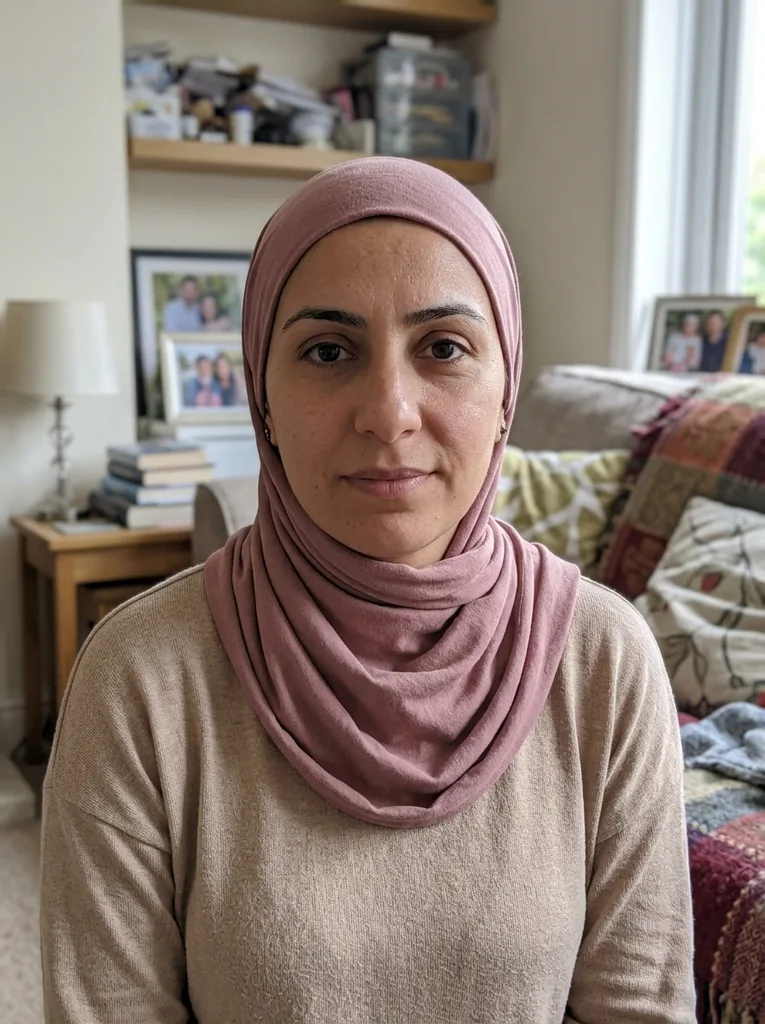 Before
 After
Example result. Upload your photo to make yours.
Examples
BeforeAfterMake a Happy Mother's Day GIF with her name on it
This page makes your own GIF. It does not hand you someone else’s.
Most searches for a Mother's Day GIF end in a library of GIFs other people made. This tool makes a new one for you.
Pick a scene: a blooming bouquet, floating hearts or a sunny garden. Type a name or a short message and it is written into the GIF. Add one photo of your mom, grandma or a pet if you want her as the main character.
You get a looping GIF that plays in the page and downloads as a real .gif file, with no watermark. It is a card that moves, made for one person and sent in a chat, a text or a post. One is free, with no sign-up.
Made for
- Moms
- Grandmas
- Stepmoms
- New moms
- Pet moms
- Friends and family
How to make a Happy Mother's Day GIF in three steps
- 1
Pick a scene
Choose Bouquet, Hearts or Garden. Bouquet is selected by default and writes "Happy Mother’s Day!" into the GIF.
- 2
Add her name or your message
Type up to 60 characters, such as "Happy Mother’s Day, Mom! Love you", to replace the default greeting. You can also upload one photo (JPG, PNG or WebP, up to 10 MB) and pick square, wide or portrait.
- 3
Generate and download
It usually takes about 20 to 30 seconds. Your GIF loops in the page, then Download saves it as a .gif file you can send in a chat or post. After the free one, there is nothing more to run, so pick the scene and message you like best.
Make your own Happy Mother's Day GIF or pick a library one
Four ways to get a Mother’s Day GIF, by type.
| This page | GIF libraries | Design apps | Video-to-GIF tools | |
|---|---|---|---|---|
| You start from | A scene and an optional photo | Ready-made GIFs from other people | A blank canvas and stickers | A video clip of her |
| Her name or your message | Typed in, written into the GIF | Part of the GIF you pick | You type and place it | Added in the editor |
| A photo of her or a pet | One photo becomes the main character | Not your photo | You place it yourself | Only as video footage |
| Effort | Pick, type, generate | Search and scroll | Design each element | Shoot, trim, convert |
| Best when | You want one made for her | You want one right now | You want full control of the layout | You have a real clip of her |
What is free and what happens to your photo
What is free
One is free per visitor, with no sign-up and no email. After that the tool tells you the free tries are used. There is no paid plan on this site.
Your photo and prompt
Your prompt and photo are only used to create your GIF and are never used to train AI models.
What it does not do
It makes one silent GIF from one photo at most. It has no GIF library to browse, takes no video and cannot edit an existing GIF. It is AI output, so check the name and the picture before you send it.