
Image to GIF AI
Image to GIF AI for one photo: describe the motion and get a looping GIF. Your first GIF is free, no sign-up, no watermark.
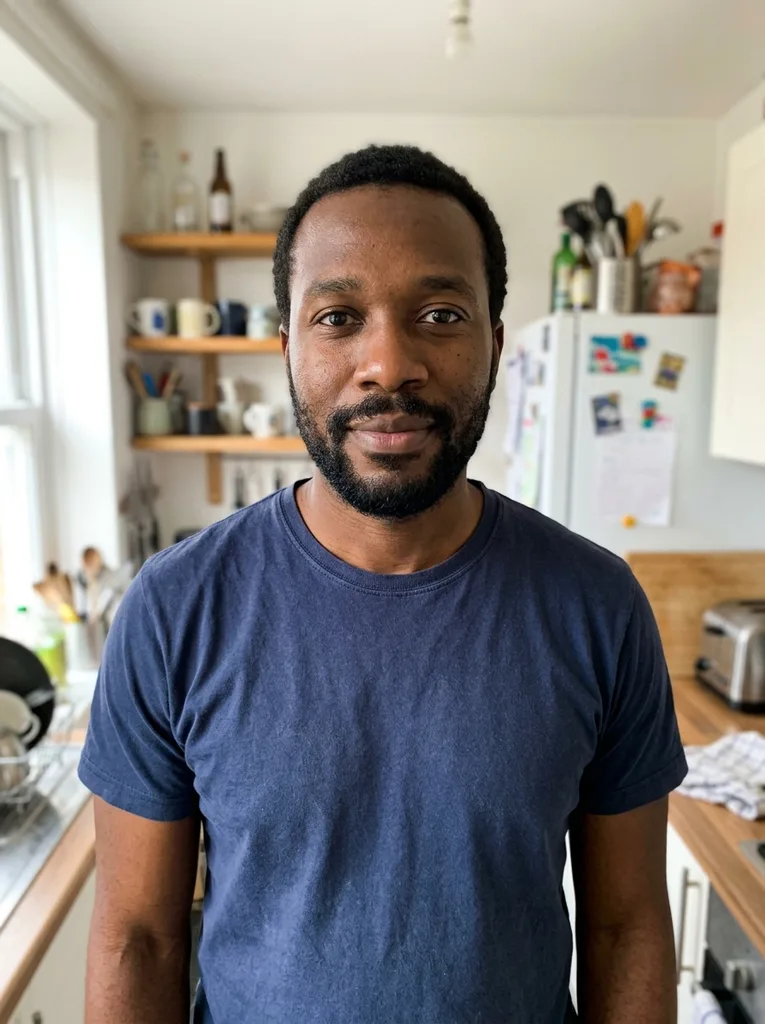 Before
 After
Example result. Describe your image to make yours.
Examples
BeforeAfterHow to use image to GIF AI in three steps
One photo and one line of motion are all it needs.
- 1
Upload one photo
Click or drag in a JPG, PNG or WebP up to 10 MB. A person, pet or object that fills most of the frame gives the motion room to show, and a sharp, well-lit photo gives the AI more to work with.
- 2
Describe the motion
Type what should move, like "wave hello and smile", or tap an idea such as Wink at the camera, Blow a kiss or Zoom in slowly. The idea fills the box and you can edit it. The box takes up to 1000 characters.
- 3
Pick a shape and generate
Choose square, wide or tall, then press Generate GIF. The GIF plays in the page, and Download saves it as a .gif file you can send in a chat or post.
Photo to GIF AI: tips before you press Generate
- Use one clear photo of a person, a pet or an object.
- Let the subject fill most of the frame so the movement is easy to see.
- Ask for one motion, such as a nod or a wink, instead of a list of five.
- Describe movement, not looks: your photo already shows the face, clothes and background.
- Pick the shape first: 1:1 for square, 16:9 for wide, 9:16 for tall phone screens.
- The loop lasts about 1.8 seconds, so choose a motion that fits in one beat, like a wave or a blink.
- You get one free GIF, so settle the photo and the motion before you generate.
- Compare the result with your original photo before you share it: it is AI output.
Image to GIF AI animates one photo; the other tool joins several
This page animates a single photo. The AI invents the movement from your description, so the GIF shows motion that was never in the picture: a wave, a wink, a slow zoom.
If you already have several pictures and want them to play in order, use the separate Image to GIF tool on this site. It runs in your browser with no AI: you set the order and the time each picture stays on screen. Pick the one that matches what you have.
What an AI GIF maker from an image gives you
Each run makes one GIF of 9 frames at 200 ms, looping without end. That is a loop of about 1.8 seconds, short enough to read as a reaction.
In our tests a 1:1 GIF came out at 512 by 512 pixels and a 16:9 one at 1024 by 576, with files between about 0.6 and 1.9 MB. There is no watermark, no sound, and no duration or frame-rate setting. Video and existing GIFs are not accepted here, and one run uses your whole free allowance.
Does the GIF still look like your photo?
The tool aims to keep your subject and add only the motion you describe. Across the six photo pages tested, people stayed recognizable.
That is not a guarantee, so look at the GIF next to your original before you send it, especially for faces and small details.