
Pet GIF Maker
Upload a photo of a friend, a pet or a character and get a petpet GIF: a cartoon hand pats their head again and again. Your first GIF is free.
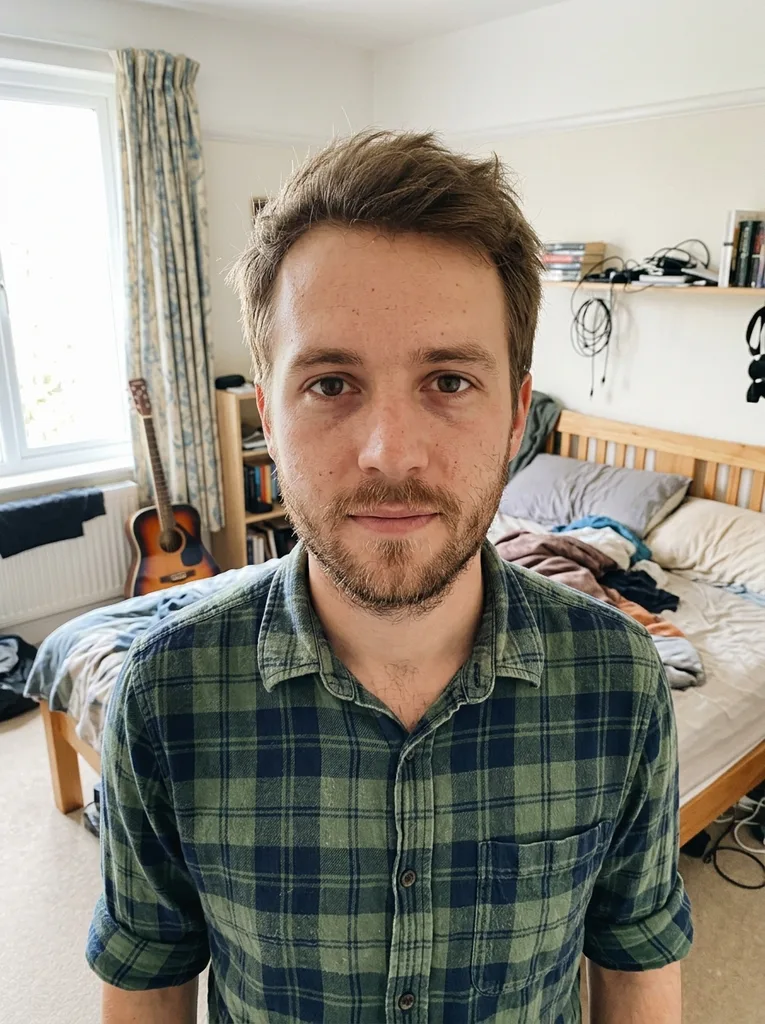 Before
 After
Example result. Upload your photo to make yours.
Examples
BeforeAfterWhat a petpet GIF is and what this one does
A petpet GIF shows a small cartoon hand patting someone on the head while they squish down and bounce back like a soft toy. People send it as a gentle reaction in chats and comments.
The pet GIF maker builds it from one photo. You do not line up the face under the hand or set a squish level. The hand and the pats are generated with your picture, on a plain white background, and the GIF loops without end.
It aims to keep the person, pet or character recognizable. Compare the result with your original before you share it, since each run is a fresh AI result.
A petpet GIF is a reaction more than a portrait, so a short loop of about 1.8 seconds is the point: it repeats until someone scrolls past.
Made for
- Pet owners
- Friends in a group chat
- Fan artists
- Community mods
- Anyone who wants a head pat GIF
How to use the pet GIF maker in three steps
One photo in, one looping GIF out.
- 1
Upload a photo with a clear face
Drop in a JPG, PNG or WebP up to 10 MB. A close shot of a face, or head and shoulders, gives the hand an obvious place to land. Crop out other people first so one subject is left.
- 2
Pick a shape and add a note if you like
Choose square, wide or tall; square is the default. The optional note (up to 300 characters) is added to your request, for example sparkles or slower motion.
- 3
Generate and download
It usually takes 20 to 30 seconds. The GIF plays on the page, and Download saves a real .gif file. Your first GIF is free, so check your photo before you start.
Pet GIF maker vs petpet sliders vs hand animation
Pick by how much control you want over the motion.
| This pet GIF maker | Slider-based petpet generators | Animating it by hand | |
|---|---|---|---|
| How the motion is made | Generated from your photo | A fixed hand motion laid over your image | Frame by frame in an editor |
| Lining up the face | No step: you only upload | You move the image under the hand | You place every frame |
| Controls | Aspect ratio and an optional note | Squish, size, speed and background color | Everything |
| Same result each time | No, each run is a new result | Yes, with the same settings | Yes |
| Your photo | Sent to our AI model to create the GIF | Many run in your browser | Stays on your device |
| Output | Looping GIF, 9 frames at 200 ms, 512 x 512 on square | You choose the size | You choose everything |
| Cost | First GIF free, no sign-up | Many are free | Your time |
Where a pet GIF maker is useful
Reply to a friend
A head pat says well done or you got this without a paragraph. Make one from their photo, download the file and send it in the chat like any other GIF.
Your own pet
Turn your dog, cat or rabbit photo into a GIF that pats them. Pick the shot where the face is easiest to see, rather than a blurry action photo.
Characters and fan art
Upload an illustrated character or an avatar and give it the petpet treatment. Keep the face clear and centered, and with a flat drawing keep some space around the head.
Group chat running jokes
Pat the person at the center of the joke, a friend who aced a test or a teammate who fixed the build. Get their okay before you use their face.
Social posts and comments
Most social sites and chat apps accept GIF uploads, so download the file and attach it like any other GIF.